
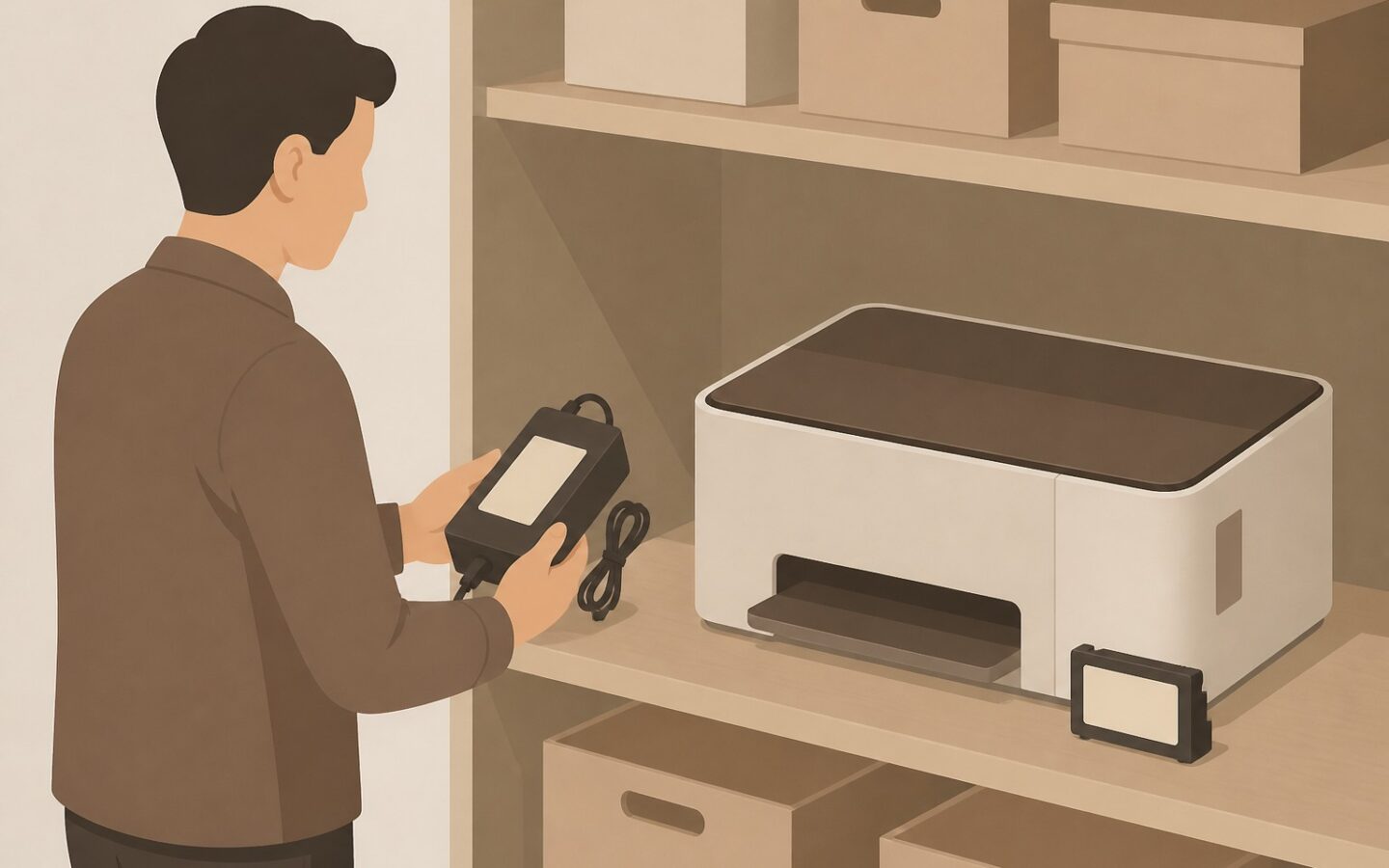
A QR code label that comes off a printer and ends up attached to another device can open a record that looks correct but identifies the wrong item. To keep changes traceable, records must follow the asset’s identity, not the label’s position. Always verify the item before updating its record.
An audit trail is a traceable history of changes, including who replaced a label, when it was replaced, and the evidence used to verify it. QR code asset tracking helps staff open records without retyping asset codes, but scanning alone does not confirm that the item, location, or ownership details match.
When a label no longer matches the asset
Distinguish between detached, damaged, and swapped labels
A detached label is no longer attached to its item, even if its code is still readable. A damaged label may still be attached to the correct asset, but staff cannot scan it or find it difficult to read.
Swapped labels pose a greater risk because staff can still scan them, but the record that opens belongs to another item. For example, labels on two monitors of the same model might be swapped after desks are cleaned, causing staff to accidentally record the condition of the wrong monitor.
Recognize signs of uncertain identity
Stop updating the record if the serial number differs, the photo does not match, or the device type shown on screen is incorrect. A difference in location also needs checking, but do not immediately conclude that labels have been swapped, as the asset may actually have moved.
When the identity is still uncertain, do not change the description in the digital record just to match the item in front of you. This can conceal the original error and remove clues needed for subsequent checks.
Preserve asset identity when replacing QR labels
Separate asset identity from label identity
An asset’s identity is the unique code used in its record throughout its working life. The physical label simply connects the item to that digital record, so replacing a sticker must not automatically create a new asset record.
For example, a printer with asset code AST-0142 keeps that identity after its sticker is damaged. If the system supports it, each issued label can have its own identifier so staff can distinguish the old label from its replacement without splitting the printer’s history.
Avoid making the location or user’s name part of a permanent identifier that must be changed whenever operational circumstances change. Store that information as details in the digital record.
Record label installation and replacement
For every replacement, record the time, staff member’s name, reason, old and new label identifiers if available, and verification results. Include relevant evidence, such as photos of the serial number and the label’s position after installation.
Link all change records to the same asset so reviewers do not have to reconstruct its history from scattered information. This principle of QR code asset tracking also underpins using a single shared asset register so all staff refer to consistent data.
Field procedures for moved labels
Verify the item before reprinting
Give staff a short, consistent sequence of checks. For devices with serial numbers, use those numbers for comparison, as they are usually more reliable than an item’s color, shape, or position.
- Classify the issue as a detached, damaged, or suspected swapped label.
- Find the asset record using the code that is still readable or the serial number.
- Compare the serial number, brand, model, photo, and any available supporting records.
- Record the verification results and reason for replacement before issuing a label.
- Attach the label to a suitable part that will not easily become separated from the asset, such as the device body rather than a detachable accessory.
- Scan the installed label and recheck the record that opens.
If the item has no serial number, combine evidence such as photos of distinctive features, receiving documents, and inspection results from the person responsible. If the evidence is insufficient to distinguish two similar items, postpone permanent replacement rather than choosing a record based on guesswork.
Test labels after installation, not just after printing
A label that is readable while still on the printed sheet may not be easy to scan once attached to a curved or glossy surface. Test it using the device staff normally carry, with positioning and lighting that reflect everyday working conditions.
After scanning, compare the asset code and serial number on screen with the physical item. Also check the location and person responsible, but verify any changes according to the applicable procedure. Do not assume this information is correct simply because a new label has been attached.
For example, a warehouse staff member finds a printer label on a detachable adapter. After confirming that the printer’s serial number matches record AST-0142, they attach a replacement label to the printer body and record why its position was changed.
Prevent gaps in the change history
Retain the history of old labels
Do not delete previous replacement records or overwrite an earlier reason with the latest one. Record corrections as additional changes showing the data before and after the change, the staff member’s name, and the reason for the correction.
If a replacement label uses a different code, deactivate the old label’s code without deleting its history. If staff simply reprint the same code, old copies can still be scanned, so they need to be collected and destroyed if found.
Restrict authority to issue labels and change primary identifiers to designated staff. For high-risk assets or suspected label swaps, a second-person check can help identify overlooked errors.
Give unresolved cases a clear status
Use a status such as “Identity not yet verified” and include a case number, the location where the item was found, photos, and the person responsible for follow-up. This temporary marker is not a new asset identity and must not be treated as confirmation of ownership.
If two labels are suspected of being swapped, inspect both items and their records as a single case. Do not correct just one side, as the other item could still carry the wrong identity.
Relevant measures of success
Assess the process based on identity matching and the completeness of the history, not merely the number of labels printed. You can periodically review a sample of replacements by checking the following points.
- The history includes the time, staff member, reason, and verification results.
- Staff can scan the installed label using field devices.
- The record that opens matches the item’s physical identity.
- Staff record how the old label was handled.
- Unverified cases have clear follow-up actions.
Adjust the level of checking to the asset’s risk and the team’s capacity. High-value portable devices may require photographic evidence and a second reviewer, while lower-risk items can use simpler verification as long as the connection between the item and its record remains clear.
Labels can be replaced, but an asset’s identity and history must remain connected. With verification before changes and testing after installation, identification becomes faster without compromising the reliability of records.
Start by reviewing one label replacement case and confirming that every change can still be traced.
Learn more on the official Fisetra website.