
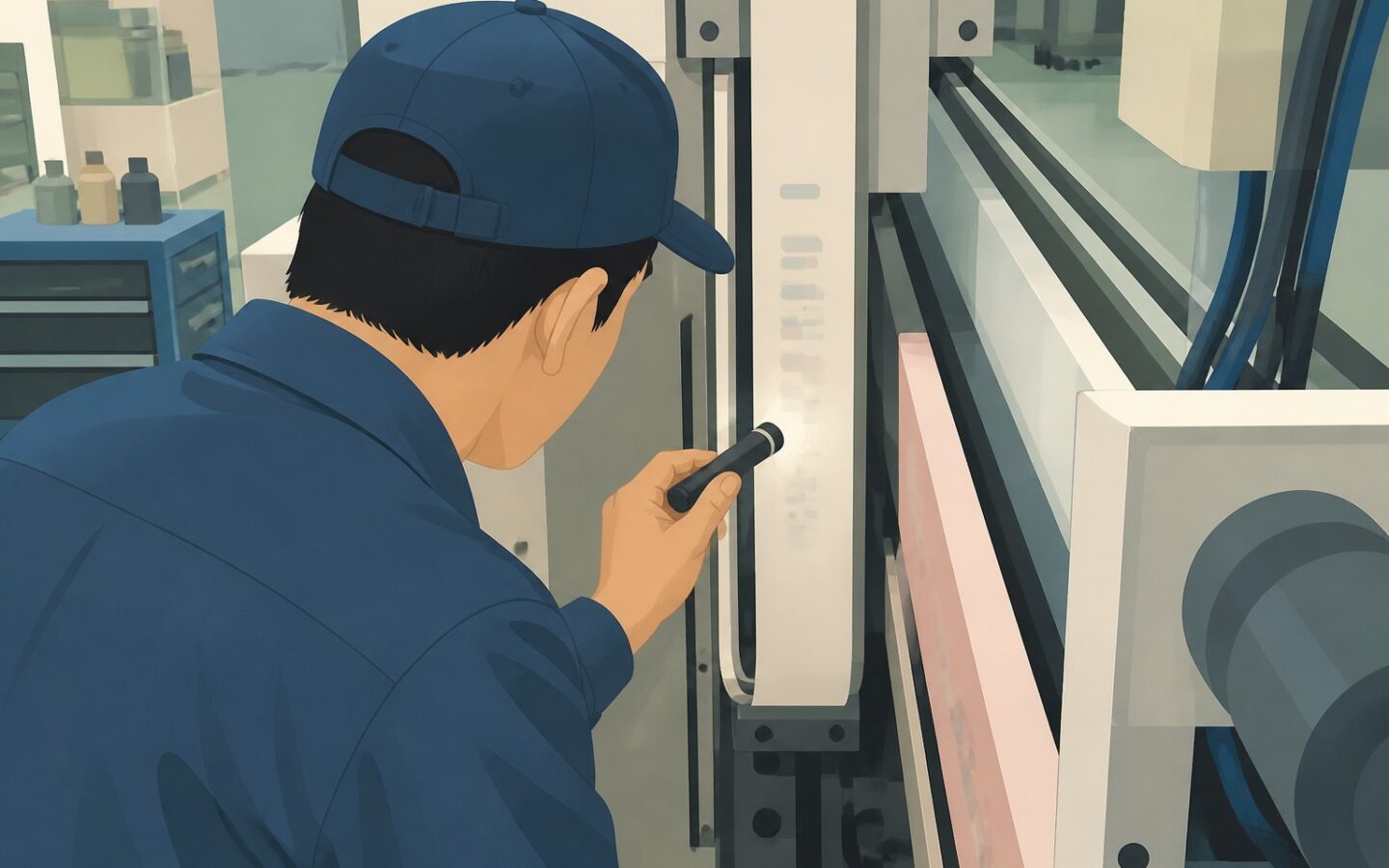
A narrow equipment casing leaves little room for an asset label, and staff may need to reposition their scanners several times to get a reading. The choice of barcode vs QR code for asset tracking starts with these practical constraints: usable label space, scan speed, readability, and compatibility with the devices people use.
When label choice affects everyday tracking
A label that scans easily on a desk may be difficult to read underneath a workstation or behind a machine guard. Distance, lighting, wear, and scanner access determine whether the format works in practice, not just during a demonstration.
Signs that a label is not working well
Watch for repeated aiming, staff using phone flashlights, and frequent manual entry of asset numbers. These problems may point to reflective material, poor placement, a code that is too small, or incompatible scanning equipment rather than the wrong format.
For example, a maintenance technician may need to scan a pump label without moving nearby equipment. Test from a position the technician can actually reach, not an ideal angle that everyday work does not allow.
The cost goes beyond a slow scan
A failed scan can leave staff searching, typing, and checking that they have selected the right record. Measure the time from approaching the asset to confirming its record, rather than judging performance only by how quickly the scanner beeps.
Barcode and QR code trade-offs for asset labels
Here, barcode means a one-dimensional code made of bars and spaces, such as Code 128. A QR code is a two-dimensional pattern of small squares, called modules, that encode its content.
Capacity and density are different considerations
A barcode often works well for a short asset identifier. As you add more content, the code generally needs more width if the narrowest bars stay the same size.
A QR code can hold more information in a compact, roughly square area, which helps when horizontal space is limited. However, adding content makes the pattern more complex, so fitting a long web address into a tiny label can make it harder to scan.
Higher data density helps only if the intended device can read the printed detail. Compare complete label layouts, including the blank margins around each code and a human-readable identifier, rather than comparing the symbols alone.
Scanning speed depends on the whole setup
A barcode can work well for repetitive scanning with compatible handheld equipment, especially when labels consistently face the operator. A QR code can be read at different rotations within an image, but it still needs adequate visibility, focus, and contrast.
A one-dimensional laser scanner generally cannot read QR codes; a compatible two-dimensional imaging scanner can often read both formats. Smartphone performance depends on the camera and application, and reading a code does not guarantee that the asset software can process its contents.
Match the format to the task
For office equipment scanned through a mobile application, a QR code containing a short identifier may suit a small square label. For equipment with long, narrow label space and an established barcode workflow, a barcode may be simpler to use.
Neither format tracks location automatically on its own. Both need a scanning workflow that connects the identifier to the relevant asset transaction.
A practical method for choosing a label standard
Start with the smallest useful payload, meaning the content encoded in the symbol. Usually, this is a stable identifier or a controlled link to an asset record, not the asset’s current location, custodian, and maintenance history.
The code should continue to identify the same asset as operational details change. The principle of using unique asset codes with clear location records keeps the label stable while the system stores information that needs updating.
Use a field checklist
- Confirm that every device and application in use supports the proposed format and encoded content.
- Measure usable label space, allowing for blank margins and readable fallback text.
- Test typical working distances, angled scans, shadows, and glare.
- Choose adhesive, printing methods, and label materials suited to heat, moisture, cleaning, and abrasion.
- Place labels where staff can reach them without unsafe movement or dismantling equipment.
- Check that scanning selects or opens the correct record and supports the intended update.
Pilot labels before rolling them out
Print both options with the printer and material you plan to use, then apply them to representative assets. Include a cramped casing, a reflective surface, and a spot with awkward access, rather than testing only clean, flat panels.
Ask regular users to perform the same task with their actual devices. Record first-attempt reads, retries, manual entries, and total transaction time, distinguishing code-reading delays from network or application delays.
Where connectivity is unreliable, test offline behavior specifically. A QR code containing a web address does not make the linked record available offline, and an identifier-based workflow still needs application support for local lookups or queued updates.
Selection pitfalls to avoid
Design choices that weaken either format
Poor contrast, unsuitable sizing, and inconsistent placement can make either option frustrating. Keep the required blank border, avoid stretching the symbol, and place graphics or printed text outside its clear area.
QR error correction can tolerate some damage, depending on the symbol and damage pattern, but it does not make a label damage-proof. A scratched barcode or a QR code with damaged positioning features may need replacing even when much of the print remains visible.
For workshop equipment, durability may matter more than extra data capacity. A suitable protective finish can help, but a glossy surface may cause glare, so test the finished label rather than an uncoated sample.
Diagnose failures before switching formats
If a label fails to scan, try another compatible device and compare the result with a clean reference label. Then check print quality, dirt, glare, size, and placement before concluding that the format is unsuitable.
If the code scans but opens the wrong screen, check the encoded content and how the software maps it to a record. Keep a readable asset identifier on the label so staff have a reliable fallback when scanning fails.
Base the decision on field performance
The choice of barcode vs QR code for asset tracking should reflect the work involved. Choose a barcode when short identifiers, sufficient label width, and proven scanning equipment suit the workflow; favor a QR code when square label space, compatible camera-based devices, or a controlled record link provides a practical advantage.
If both perform reliably, choose the option that requires less support and fewer replacements. Higher density is useful when it solves a real space or content constraint, not simply when it lets you add more information.
A representative field trial gives you the clearest basis for a label standard that staff can use consistently.
Explore asset management guidance at Fisetra.